- Background:
- Device: XPS13-9343.
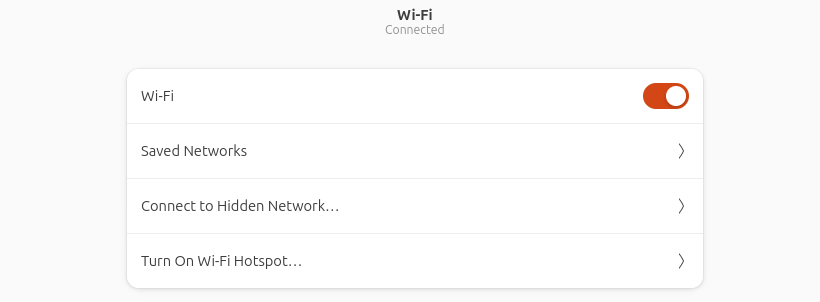
- I upgraded my Ubuntu LTS 24.04 to LTS 26.04. The upgrade was successful, but I can’t find wifi adapter anymore, cannot connect to internet.
- Fix:
- Connect to Ethernet or USB Wifi adapter to establish internet connection.
- Open your Terminal.
lspci | grep -i network- this will show what wifi adapter you have on you computer.
- e.g. my laptop shows “02:00.0 Network controller: Broadcom Inc. and subsidiaries BCM4352 802.11ac Dual Band Wireless Network Adapter (rev 03)”
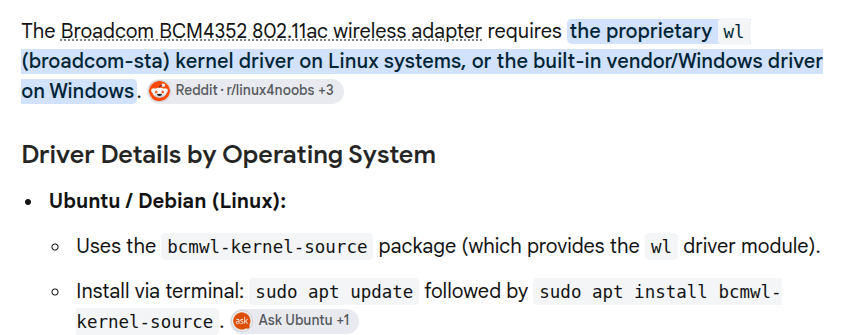
- Google what’s the Ubuntu driver for your adapter.
- Then I tried
sudo apt install bcmwl-kernel-source. Ubuntu tells me it can’t locate this package. further research shows this is outdated and replaced by sta package. Then run the command below.sudo add-apt-repository restrictedsudo apt updatesudo apt install broadcom-sta-dkms broadcom-sta-source
- After Reboot, now it’s fixed.